Weverse Profile Picture Downloader
Save Weverse Artist profile photos (Icons) in full HD resolution. The best tool to archive your idols' profile updates.
Note: WeverseSaver works with Public & Community posts.
Paid content (Memberships, Season's Greetings) cannot be downloaded.
🔒 Hit by a black screen? Read our guide on How to Fix Weverse Screen Record Black Screen & Download Paid Videos.
Full Resolution
Get the original upload size of Weverse profile pictures, not the compressed version.
Instant Save
Just paste the link to the artist profile or post to extract the media.
Privacy Focused
We do not track which profiles you visit. Your fandom activities are private.
See It In Action
Get the 100% Original Quality image directly from Weverse servers.
Download Weverse Profile Pictures in Full HD
Every K-Pop fan knows the struggle: you see a new artist profile picture, but you can't save it. Taking a screenshot ruins the quality.
Our Weverse Profile Downloader solves this. It bypasses the app's restrictions to fetch the Source File. This means you get the image exactly as the artist uploaded it—no compression, no pixelation.
- Save Artist Icons & Community Logos
- Get the "Original" Size (Often 1000px+)
- Perfect for Fan edits, Banners, and Wallpapers
Did You Know?
Weverse often stores images in much higher quality than what is displayed on your phone screen. Our tool finds that hidden high-quality version for you.
Output: 1080x1080px (PNG/JPG)
Common Questions
Can I download images from a Weverse Live?
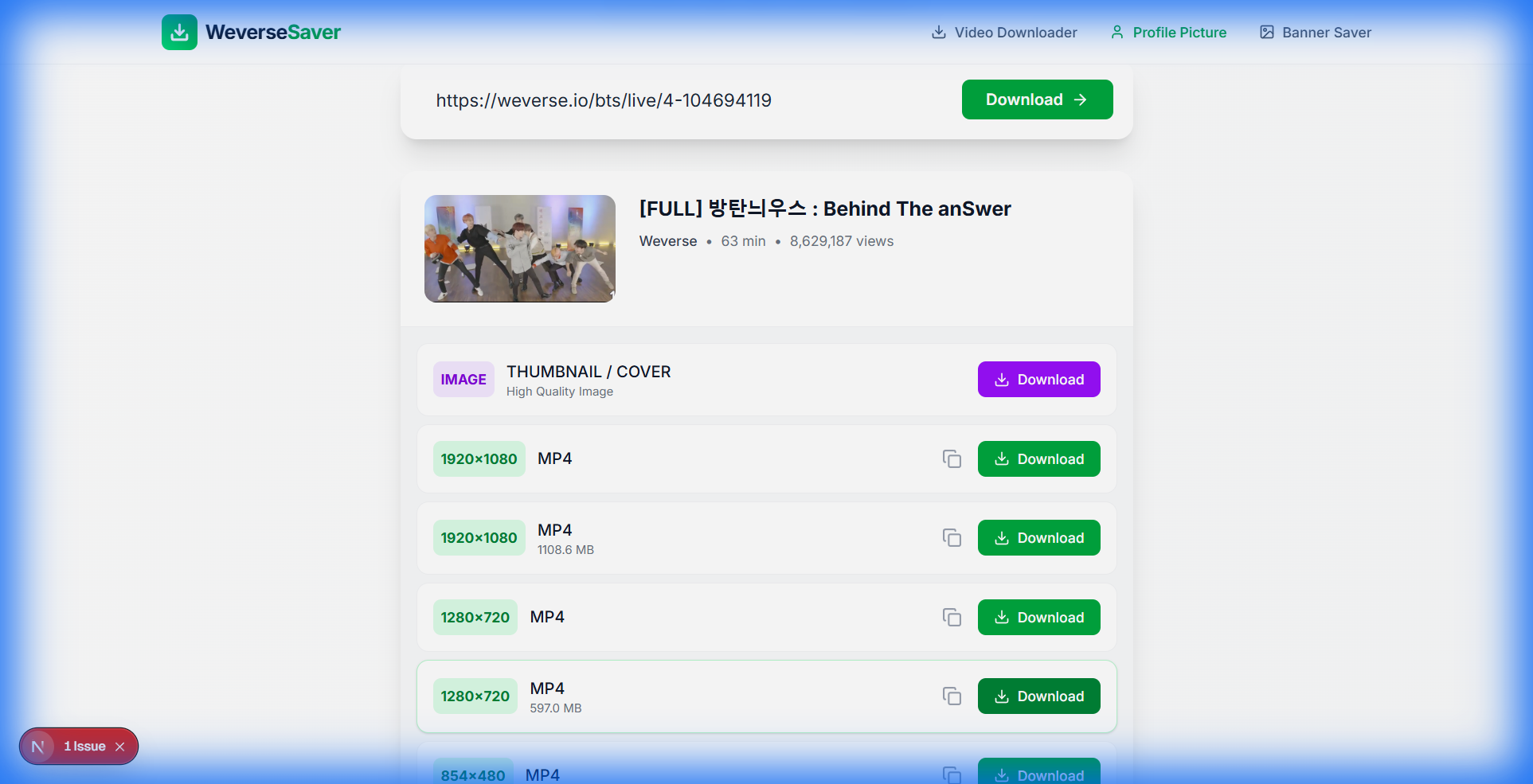
Yes! If you paste a link to a Weverse Live, our tool will extract the high-quality Cover/Thumbnail image used for that stream.
Does this work for locked/membership profiles?
This tool generally works for public community profiles. If a community requires a membership just to view the 'Home' page, download might be restricted. However, most Artist Profile Icons are public.
Is it anonymous?
Absolutely. We do not require you to sign in. The artist will never know you downloaded their profile picture.
How do I find the link?
In the Weverse App, go to the Artist's or Community's main page -> Tap the 'Share' icon -> Select 'Copy Link'.
How to download Weverse Profile Pictures?
Weverse makes it hard to save profile pictures directly. Our tool simplifies this process.
- Navigate: Go to the Artist's Weverse community.
- Copy URL: Copy the URL of the artist's page or specific post.
- Paste & Save: Paste it above to grab the available media.
This tool works for BTS, SEVENTEEN, BLACKPINK, and Le Sserafim communities perfectly in 2026.